

Tips for Action Photos At Sporting Events (on Your iPhone)
When you are at sports events, it always seems that you have more “stuff” than you can carry, doesn’t it!? We all want to capture our kiddos in action, but carrying around a big camera (or anything extra) can seem overwhelming.
If you own and iPhone (that’s what I have, so that’s what I know…sorry!) here are few apps and accessories that will help in capturing all those special moments. If you own a phone, then chances are you have it with you 99% of the time.
Actioncam
It allows you take 3-9 frames within a second. You can also choose from a variety of effects and layouts. Important thing to remember is that you have to save it immediately or you loose it!

Pros: it’s FREE
Cons: you can’t get a single shot,only multiple
Action Camera FREE
It allows you take photo sequences using three different speeds. It automatically saves each photo to your phone. My suggestion is to use the “fast” setting to get the best action shots, but it will keep taking pictures until you hit the “stop.” You can’t zoom with this app, but fortunately it takes fairly good photos, so you can edit them.
Here’s a photo before I edited it…
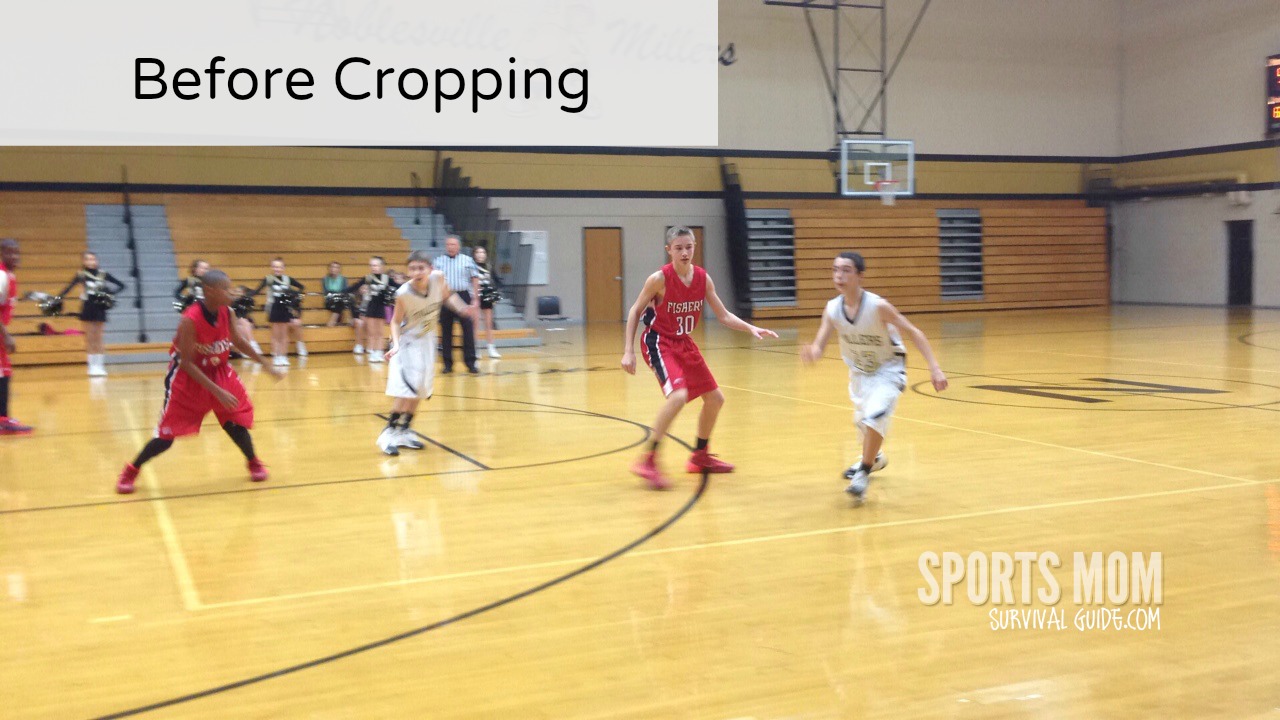
And after…

Pros: it’s FREE, single shots
Cons: Ads at top of screen, can’t zoom
gyroLens
This app is not free, but for only $.99 it’s worth it! This app can take small, large, burst and timer shot modes. The thing I like best about this app is the ability to zoom and it will also automatically level photos in real time, while shooting…a feature perfect for action shots.
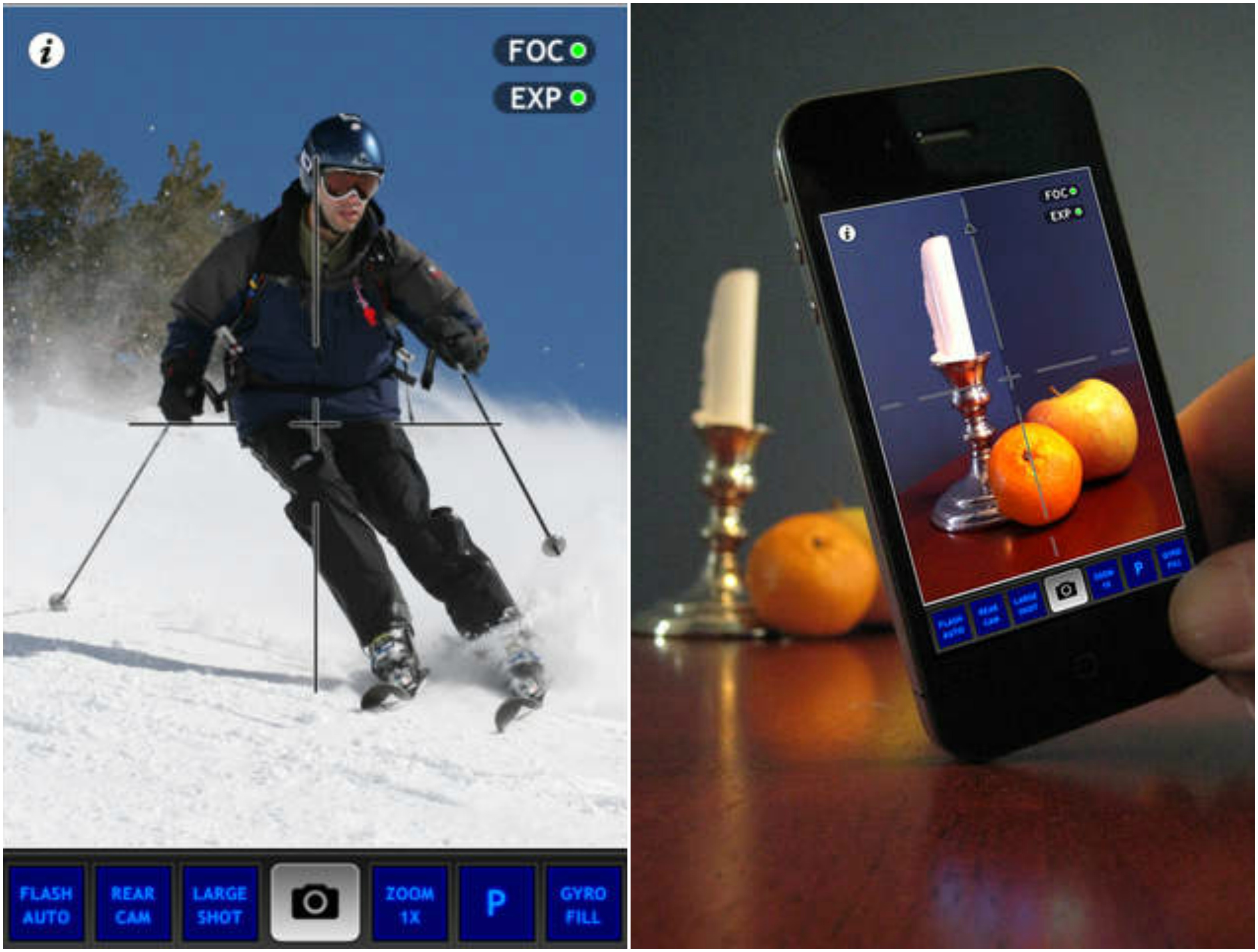
Pros: Zoom capability
Cons: the closest zoom pictures can be very grainy
Some other great apps that you might want to check are: Photoburst ($.99), QuadCamera ($.99), Camera Awesome (FREE) and SnappyCam Pro ($.99)








Comments are closed.